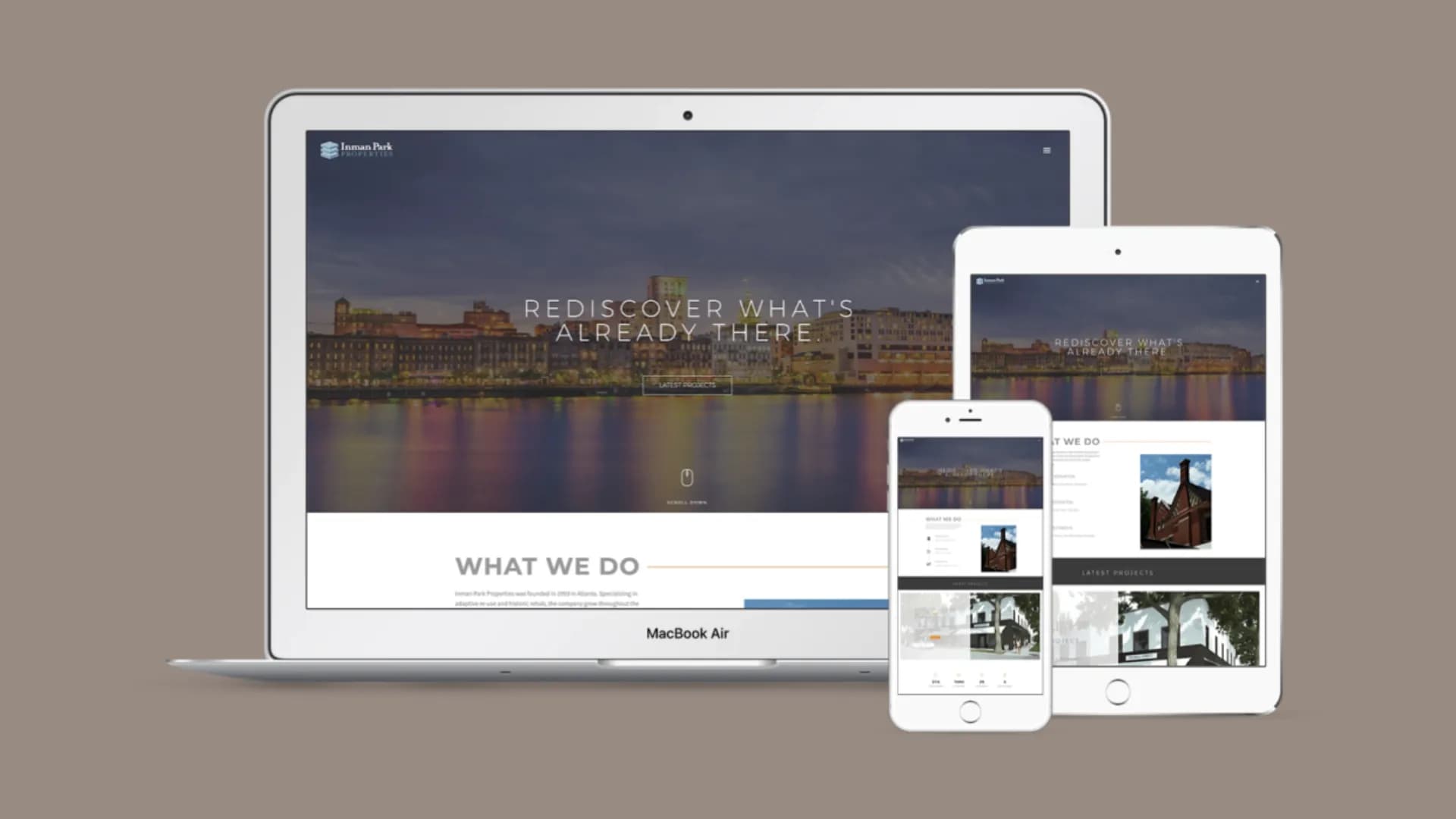
Bloomin' Brands runs on Sitefinity. SaVida Health runs on WordPress. Aussie Grill runs on Next.js. We picked each of those stacks separately, for separate reasons, after the discovery conversation made the right answer obvious. None of those clients would have been well-served by getting whatever stack we happened to be selling that quarter.
Most agencies operate the other way. They specialize in one stack, usually whatever the founder learned at the agency they came from, and they sell that stack to every client regardless of fit. The Squarespace shop sells you Squarespace. The WordPress shop sells you WordPress. The Webflow shop sells you Webflow. The shop that does Shopify is going to find a way to put your law firm on Shopify if that's what they have on the menu.
The platform decision is the most important decision on a custom-build engagement. It locks in performance ceilings, editorial workflow, integration paths, security posture, and the cost of every change you'll make for the next five years. Picking the wrong platform doesn't doom the project, but it does make every later decision harder. Picking the right one is leverage you can't get back later.
Which is the reason to read what follows about WordPress. We are not a WordPress shop. We ship Sitefinity, Next.js and .NET when those are right, and we turn down WordPress work when WordPress is wrong for the job. So when we say WordPress built properly is an excellent production CMS, that is an assessment rather than a sales position, and the section below on what "custom WordPress" actually means is written by people with no incentive to stretch the word.
This is a piece about how we make that decision, and what the WordPress answer looks like when it wins.
If you already run WordPress and want to know whether yours is a foundation or a liability before reading further, run it through the scanner. It takes about a minute and it will tell you which one you have.
What "custom" actually means
Before the platform conversation, the word custom needs a clean definition. Most agencies use it to mean "a Squarespace template with the colors changed." That's not custom. Custom means:
The component library is yours, owned by you, transferable to another agency or in-house team without licensing strings. Not a vendor's framework you can't take with you.
The CMS structure was modeled around the way your team writes and the way your prospects search. Not a generic blog template with a shop bolted on.
The performance, accessibility, and instrumentation layers were engineered against your real conversion paths, not a bundled "best practices" checklist.
The visual identity was designed for your brand from the ground up, not a stock template colored to match. The photography is yours. The typography is licensed to you. The design tokens are documented in code.
That's the bar. If a "custom website" engagement isn't shipping all four of those, the word custom is being used to mean expensive. They're different.
The stack decisions we actually make, by use case
Below is the live decision tree we walk through during week-one discovery. Not a pretend tree. The actual one.
Sitefinity for enterprise corporate sites
Bloomin' Brands runs on Sitefinity. It's the right answer when the corporate IT department lives in the .NET ecosystem, the HR and finance integrations are SAP or similar enterprise stacks, and the editorial team is an internal communications group that's used to enterprise CMS patterns. The Sitefinity license is meaningful budget, and it's worth it when the firm's existing infrastructure is already Microsoft-aligned.
When Sitefinity is wrong: a three-attorney law firm doesn't need it. A regional services business doesn't need it. The license cost alone is more than the entire build budget for those engagements. Sitefinity is right when the rest of the stack is already enterprise-grade and the new site needs to fit into it.
WordPress when the editorial team writes there daily
SaVida Health runs on WordPress. The reason isn't that WordPress is the most performant CMS we ship. It isn't. The reason is that SaVida's content team, the clinicians who write the medical E-E-A-T content, knows WordPress fluently. We could ship them a faster CMS. They'd write three posts and abandon it because the editor UX was unfamiliar. The CMS the team will actually use is worth more than the CMS that scores better on a benchmark.
That is the single best argument for WordPress and it is a real one. Content velocity beats benchmark scores, because a fast site nobody updates loses to a decent site that publishes.
What custom WordPress actually means
The word gets used to describe four very different products, priced within range of each other:
- A premium theme, recoloured. Sold as custom. Is not.
- A theme plus a page builder, Elementor or Divi, with the layout dragged into place. Sold as custom. Is not, and is actively worse than the first, because you have now added a rendering layer that generates markup nobody controls.
- A child theme with real template work, which is a legitimate middle option and honest people call it that.
- A block library written for your brand, with content models shaped around how your team writes, and no page builder anywhere in the stack.
We ship the fourth. Concretely, that means:
- A custom block library. Your editors compose pages from components designed for your brand, which means they cannot accidentally build something off-brand, and you are not paying a developer to place a heading.
- No page builder. This is not aesthetic preference. Page-builder stacks emit deeply nested markup, load their own CSS and JS on every page, and put a third-party product between you and your own HTML. Passing Core Web Vitals on mobile on that foundation ranges from difficult to impossible, and the usual response is to add caching plugins to compensate, which adds surface area to a problem caused by surface area.
- An audited plugin count. Every plugin is a dependency, a performance cost and a piece of the vulnerability surface. The right number is the smallest number that does the job, and somebody has to be accountable for each one still being maintained.
- Design tokens in code, not in a settings panel, so the design system is version-controlled with everything else.
- Ownership. The block library, the tokens and the photography are yours outright, transferable to another agency or an in-house team with no licensing strings.
WordPress website redesign, when you already run WordPress
Most people asking about this already have a WordPress site. The useful question is not whether to stay on WordPress. It is whether the existing installation is a foundation or a liability.
It is a foundation, and you want a redesign inside WordPress, when the content model is sound, the plugin count is defensible, and the problem is that the site looks dated or converts badly. That is design and content work on solid ground, and it is much cheaper than a rebuild.
It is a liability, and you want a rebuild, when any of these are true:
- The site runs a page-builder stack you cannot make fast
- The plugin list has entries nobody can explain the purpose of
- Customisations are deep enough that core or plugin upgrades break things, so upgrades stopped happening
- The previous agency holds credentials, or built something proprietary they will not transfer
The trap worth naming: rebuilding a page-builder site onto another page-builder site. It is the most common WordPress rebuild sold, it feels like progress because the site looks new, and it reproduces every structural problem that caused the rebuild. If you are replatforming, the point is to leave the thing that broke.
Either path needs the redirect map handled properly, and the cost drivers for both are the same ones covered in what a redesign actually costs.
Next.js for headless commerce, content platforms, and product surfaces
Aussie Grill runs on Next.js. The decision was driven by three things: the brand needed page transitions and animation states that a templated CMS can't deliver, the product menu needed to read from a real data layer the marketing team could update without redeploying, and the multi-region rollout (Tampa, Saudi Arabia, Hong Kong) needed locale-aware content infrastructure. Next.js with a headless CMS underneath was the cleanest fit.
This is also our default stack for anything that touches commerce, search, or AI primitives. Headless content, edge rendering, real component composition, a deployment story that doesn't depend on a managed-WordPress host. When the project is going to need real engineering after launch, new features, custom integrations, an internal tool that runs against the same auth, Next.js is the correct floor to start from.
.NET for proprietary integrations and legacy enterprise
Less common, but real. The case where the firm's core operating system is a .NET internal application and the new public site has to talk to it natively. We ship .NET when that's the right answer. The number of agencies still working in .NET that aren't running an enterprise consulting practice is small. We're one of them because we hire that way.
Squarespace and Webflow when the project doesn't need a custom build
This one's important because it's where most agencies blur the conversation. Squarespace is fine for a five-page consultancy site that won't have content velocity past the launch. Webflow is fine for a designer-led marketing site that won't need engineering. We don't sell those engagements ourselves because they're not what we do, but we'll point a prospect toward them when they're the right fit.
Where they're wrong: any project where editorial workflow, performance ceiling, integration count, or instrumentation discipline is going to matter past month six. Squarespace can't carry a multi-region brand. Webflow can't carry a content-velocity content business. Both ship slow JavaScript bundles that fail Core Web Vitals on mobile. They're the right tool for a narrow set of jobs and the wrong tool for everything else.
The decision tree we walk through during discovery
Three questions, in this order. The answers point us at the platform.
Where does the editorial team live, and what are they fluent in? If they're publishing daily and they're already comfortable in WordPress, that's the platform unless something else overrides it. If they're not writing daily and the site is mostly static, the question becomes a performance and integration question instead. If they're an enterprise IT team that runs SAP, Sitefinity is on the table.
What integrations does the site have to live with? A site that needs to talk to Salesforce, NetSuite, or a proprietary case-management API has different needs than a site that just needs to fire form submissions to HighLevel. The integration map drives the platform choice more than people realize. We've turned away "rebuild on WordPress" requests because the integration count made WordPress structurally wrong, even when the editorial team was fluent there.
What's the post-launch engineering velocity going to be? If the firm plans to ship new features quarterly, run A/B tests, build internal tools that share auth with the public site, or grow the product surface meaningfully, that's a Next.js or full-stack engineering project. If the firm plans to update content monthly and otherwise leave the site alone, a CMS-driven WordPress or Sitefinity build will cost less and fit better.
The answers to those three questions converge on a platform within about ninety minutes of discovery. The conversation we have is rarely "Sitefinity or WordPress." It's "given how you operate, which platform will you regret in six months." That's the only useful framing.
What custom photography buys you
Every custom build we ship includes a real photography shoot. Five days on location, art-directed and color-graded to the brand palette. The Aussie Grill shoot was four days across two flagship locations with food styling on the menu hero shots. The SaVida shoot was three days across two clinics with patient consent for the brand storytelling. The Bloomin' Brands corporate shoot was a day in the corporate office with custom product styling.
The photography is on the critical path, not in the budget options. The reason: stock photography is the single most reliable signal that a brand is templated. Visit any law firm's site that uses the stock-photo handshake-in-a-conference-room hero image. Visit a competitor that has real partner photography on their hero. Tell me which one reads as the established firm. The visual brand decision is downstream of the photography decision.
We license the photography to the client outright. They own the negatives. The shoot is theirs forever, not a CC-licensed stock image they're sharing with their three nearest competitors.
The shoot week is a meaningful budget line, and it moves with scope, photographer and travel rather than sitting at a fixed number. It is also the line that buys the brand its visual ownership. Skipping it means the rest of the rebuild is wearing somebody else's clothes.
Why one client at a time
Two to four bespoke builds a year. Total. We do not run parallel builds. The senior who scopes is the senior who ships, and that senior is shipping one site per quarter at most.
This is a real constraint. We can't take you on if we're full, and we will tell you that during the first conversation rather than commit and rough-ship. The reason for the constraint is the same reason the engagement looks the way it does: bespoke means the senior is on the project all the way through. The engagement that runs in parallel is the engagement that quietly hands off to a junior at week four. That's not what we sell.
If our slot timing doesn't work for your business need, we'll point you at the kind of agency that can ship in three weeks. They exist. They're a real product. They're not us.
What this article isn't
It isn't a "your business needs a website" article. Your business almost certainly already has a website. The question is whether the one you have is the right one for where the business is going. Three diagnostics for that:
If the editorial team can't update the site without engineering help, the platform is wrong.
If the integrations needed for closed-loop attribution aren't possible to wire on the current platform, the platform is wrong.
If the performance ceiling on mobile is structurally below 2.5 seconds for Largest Contentful Paint, the platform is wrong.
If any of the three is true and the business case justifies a real rebuild, the conversation we'd have is about the discovery week, the platform decision, and which slot in the year is the right fit. If none of them are true, we'd point you at the audit conversation instead and you'd save sixty thousand dollars.