ADA web accessibility lawsuits have set new records every year for the past five years. The plaintiff's bar has industrialized this. Demand letters arrive by email. Settlements move faster than defenses. Most of the targets are not Fortune 500 companies. They're regional businesses with multi-location websites: medical groups, professional services firms, hospitality operators, retail chains.
If you operate a website with location pages, online ordering, appointment booking, or any kind of customer-facing interactive content, you're in the target zone.
This article covers the standard we hold our work to, the process we use to get there, and what we do to keep sites accessible after launch.
The standard: WCAG 2.2 Level AA
The DOJ has not published binding ADA web regulations for private businesses under Title III. In April 2024 they finalized a rule for state and local government sites under Title II requiring WCAG 2.1 Level AA. That rule does not apply directly to private businesses, but the same standard is what courts cite in nearly every Title III settlement and consent decree.
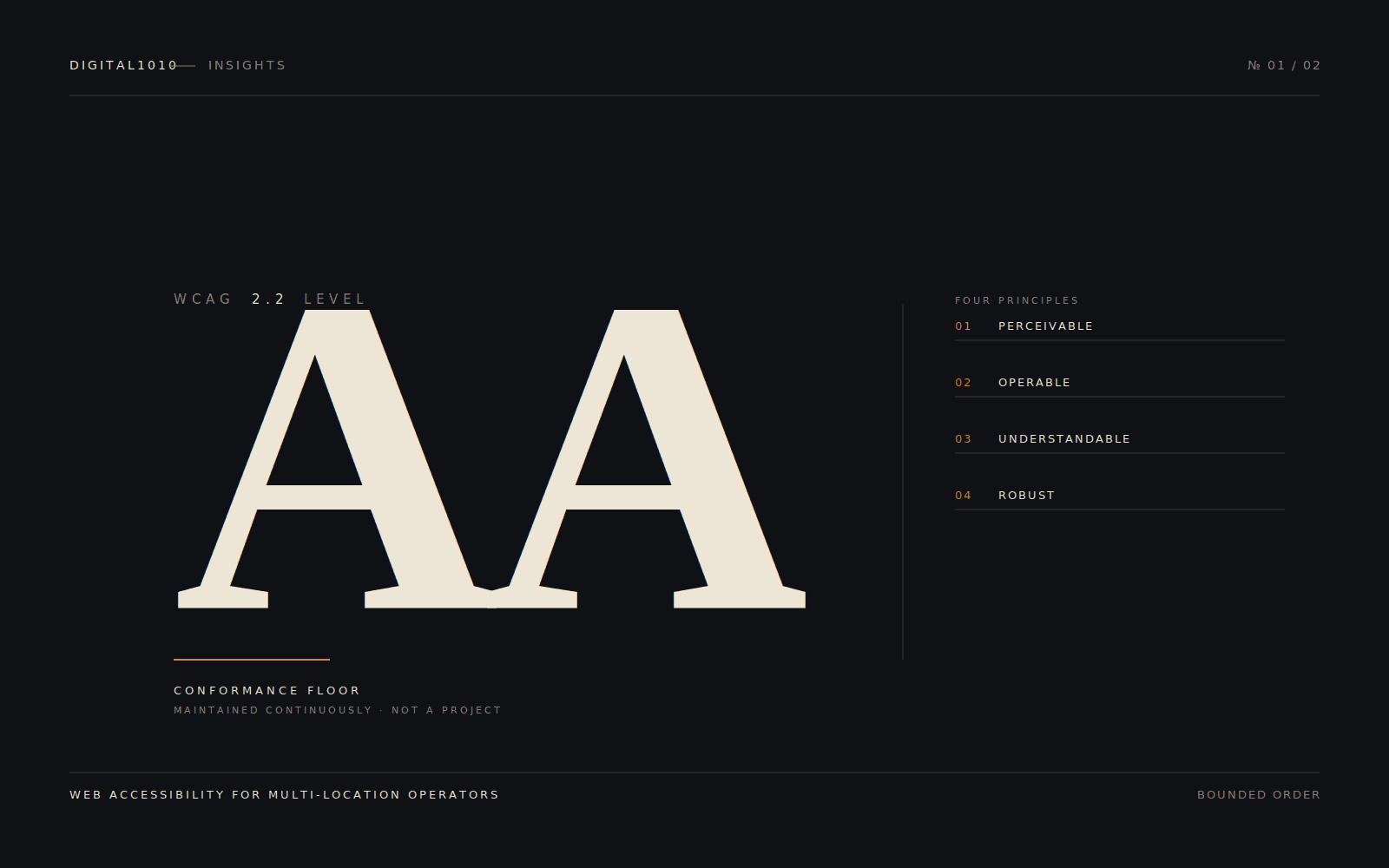
We hold our work to WCAG 2.2 Level AA, which is the current W3C standard. The 2.2 specification adds nine new success criteria covering focus indicators, drag-and-drop alternatives, target size, and authentication patterns that 2.1 did not address. Building to 2.2 covers the legal floor and gets ahead of where the standard is moving.
WCAG 2.2 AA means the site is:
- Perceivable. Alt text on images, captions on video, sufficient color contrast.
- Operable. Full keyboard navigation, no time-trap interactions, predictable navigation, visible focus indicators on every interactive element.
- Understandable. Clear labels, consistent layout, error identification on forms.
- Robust. Works with screen readers and assistive technology, valid HTML.
This is not a passing grade you achieve once. It's a property the site has to maintain through every content edit, plugin update, and design change.
What overlay widgets actually do
Before we get to our process: overlay widgets do not solve this. AccessiBe, UserWay, and similar tools have been named in lawsuits as evidence of bad-faith compliance, not defense. Federal courts have rejected them as a remediation strategy. They sit on top of inaccessible code and add their own accessibility issues. We do not use them. We do not recommend them.
Our process
Build phase. Accessibility is designed and developed in, not bolted on. Color palettes are checked for AA contrast before they're approved. Components are built to be keyboard-navigable from the first commit. Forms get proper labels and error states. Images get alt text rules baked into the CMS. Videos get captions in the upload workflow. A site that's accessible at launch is dramatically cheaper to maintain than one retrofitted later.
Pre-launch audit. Two passes. First, automated scanning with axe DevTools and WAVE to catch the structural issues machines can find: missing alt text, contrast failures, ARIA errors, heading hierarchy, focus management. Then a manual pass: full keyboard-only navigation through every template, screen reader testing on critical conversion paths with JAWS, NVDA, and VoiceOver, color-blindness simulation. Automated tools catch roughly 30 percent of WCAG issues. The rest require human testing.
Accessibility statement and audit trail. Every site we launch gets a public accessibility statement. It names the standard we conform to, the contact path for users who hit barriers, and the date of the most recent audit. Behind that, we maintain a private audit trail and VPAT-format documentation of conformance testing. This is both a compliance signal and a defense file in the event of a demand letter.
Ongoing maintenance. Monthly automated scans on production. Quarterly manual sweeps. New content reviewed before publish for alt text, heading structure, and link text. Plugin and theme updates tested for accessibility regressions before they go live.
In practice
We run this discipline both for our own client portfolio and for an enterprise restaurant brand.
On the portfolio side, we maintain ADA compliance for The Facilities Group's digital properties: CSI, RNA, Puresan, and NAS. These are sites we host, develop, and update on an active cadence. When a CMO flags a content change with accessibility implications, the dev team has it queued the same day. When a plugin vulnerability hits one of the sites, response time is measured in minutes. The maintenance discipline that catches a security issue is the same one that catches an accessibility regression: continuous monitoring and a team that does not wait for the next quarterly review to act.
On the client side, we deliver ADA compliance for Bloomin' Brands' Aussie Grill. Multi-location restaurant operators face elevated lawsuit exposure because every location page, online ordering flow, and reservation form is part of the surface a plaintiff can attack. We maintain that surface with the same continuous cadence as our own portfolio.
Our clients hear from us about accessibility issues before they hear about them from a plaintiff's attorney. That is the difference between an operating discipline and a reactive scramble.
The thing we tell every client
ADA compliance is not a project. It's an operating discipline. The single biggest source of accessibility regression we see is non-technical staff publishing new content with no alt text, generic link text like "click here," and PDF documents that aren't screen-reader compatible. The site is only as accessible as the last person who edited it.
We train client teams on the publishing rules. We build CMS workflows that prompt for accessibility metadata. We run quarterly content audits to catch what slips through.
If you've received a demand letter, or you've been told your site has accessibility issues, the path forward starts with an audit against WCAG 2.2 AA and a remediation plan with a defined timeline. We can help.